Billing
Manage your plan, usage, add-ons, invoices and payment method.
Everything billing-related lives in your account dashboard at astervis.io/account. From there you can see your plan and AI usage, top up with add-ons, update your card, and open invoices. Payments are handled by Polar.
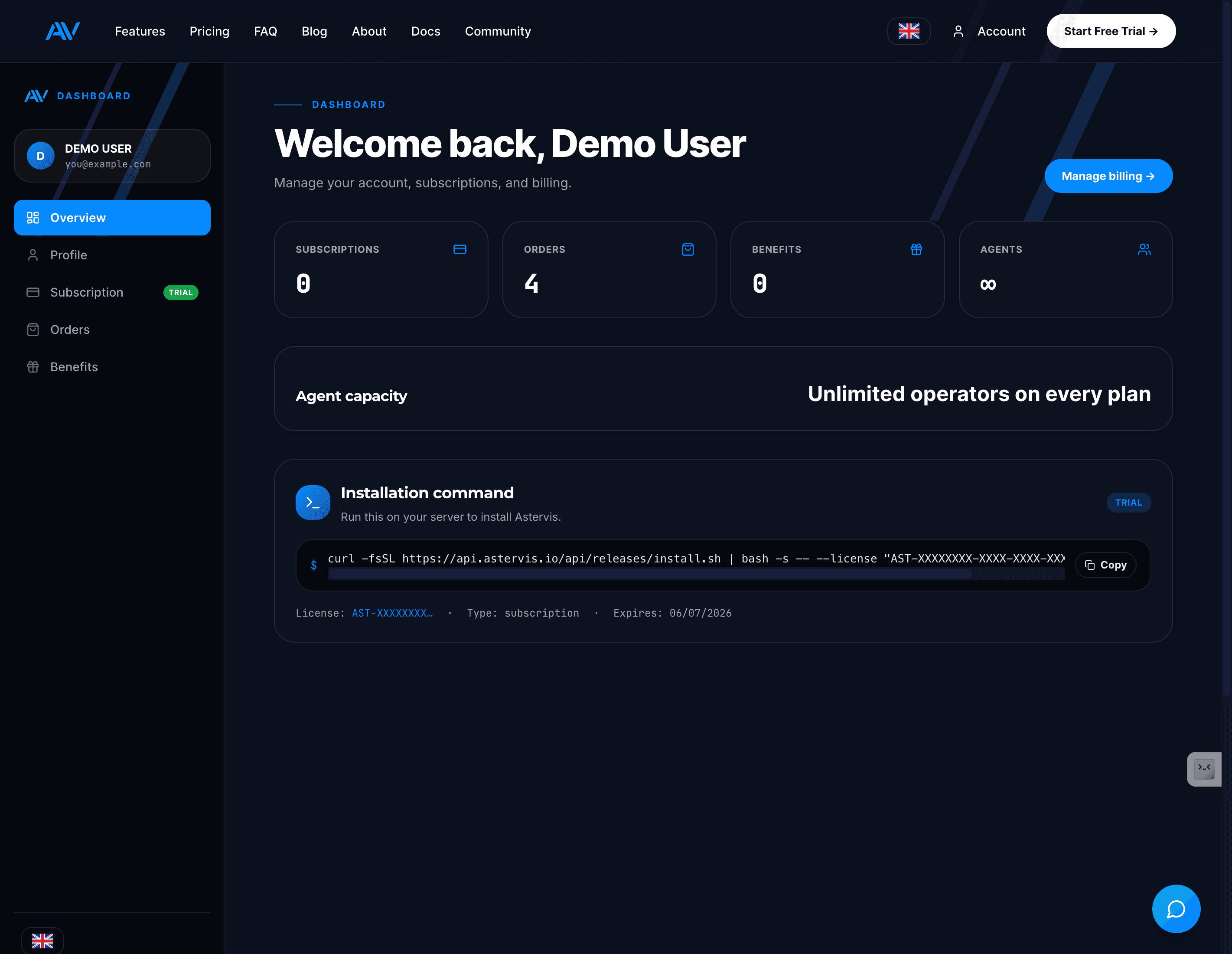
The account dashboard
The sidebar gives you everything in one place:
Overview
Your install command + license, and an at-a-glance summary of subscriptions, orders and operator capacity.
Subscription
Your current plan, billing period, AI usage, add-ons and payment method.
Orders
Every payment and add-on purchase you've made.
Benefits
Anything bundled with your plan.
The Manage billing button opens the Polar customer portal, where you change your card, download invoices and manage the subscription itself.
Tracking usage
The Subscription page shows your current billing period and how much of your AI allowance you've used:
- Operators — unlimited on every plan, so there's no seat quota to watch.
- AI transcription — minutes used out of your monthly allowance (3,000 / 15,000 / 60,000 depending on plan).
- AI requests — analysis and assistant requests used this period.
Running low on AI minutes? You don't have to upgrade — buy a one-time add-on to top up.
Buying add-ons
Open Subscription
Go to Account → Subscription and scroll to Add-ons.
Pick a pack
Choose +1,000 min ($39), +5,000 min + 250 queries ($159) or +15,000 min + 1,000 queries ($449).
Checkout
Confirm with Polar — the minutes/queries are added immediately and the purchase appears under Orders.
Payment, invoices and changes
Your card is stored securely with Polar. Update it from Manage billing.
A failed payment puts the subscription into a grace period — update your card from Manage billing to avoid interruption. Your on-prem install keeps running during the grace window.
Last updated on